A stack of pages
A page is a sheet. Write as long as there's room.
“+ Page” lays a fresh one on top. The old ones stay underneath.
There's no page of the day, and nothing moves on its own.
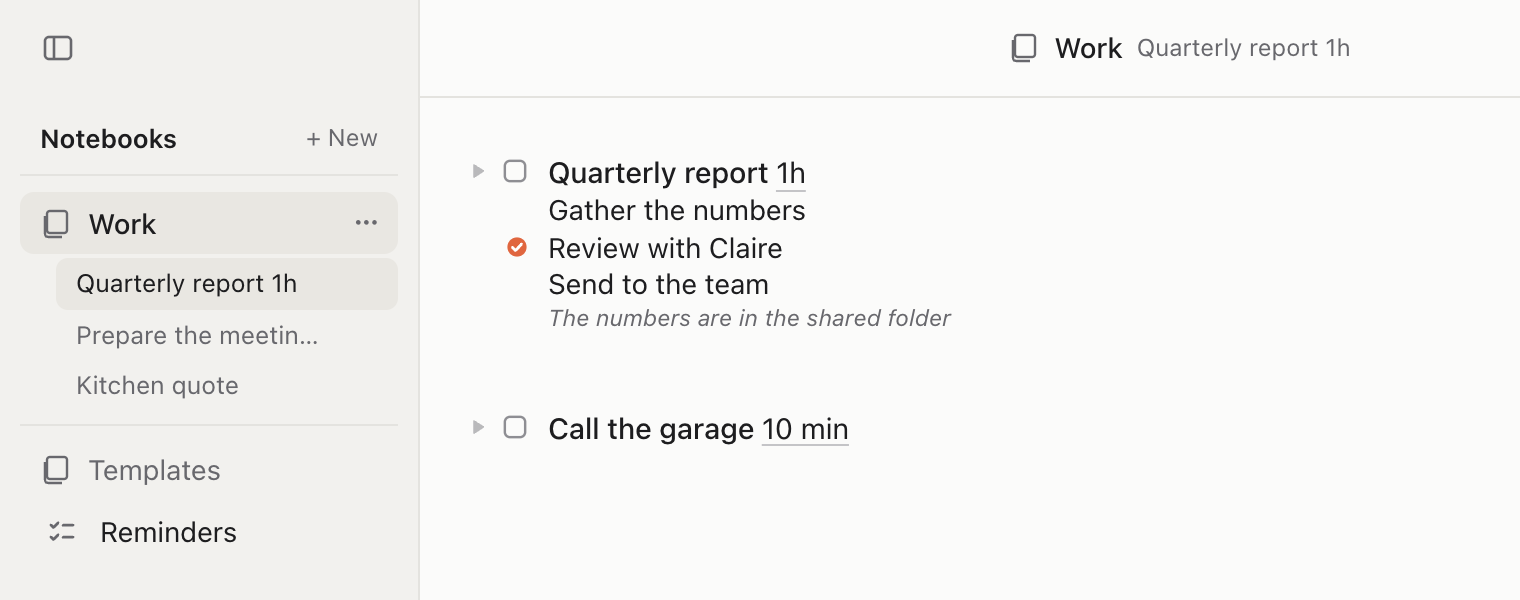
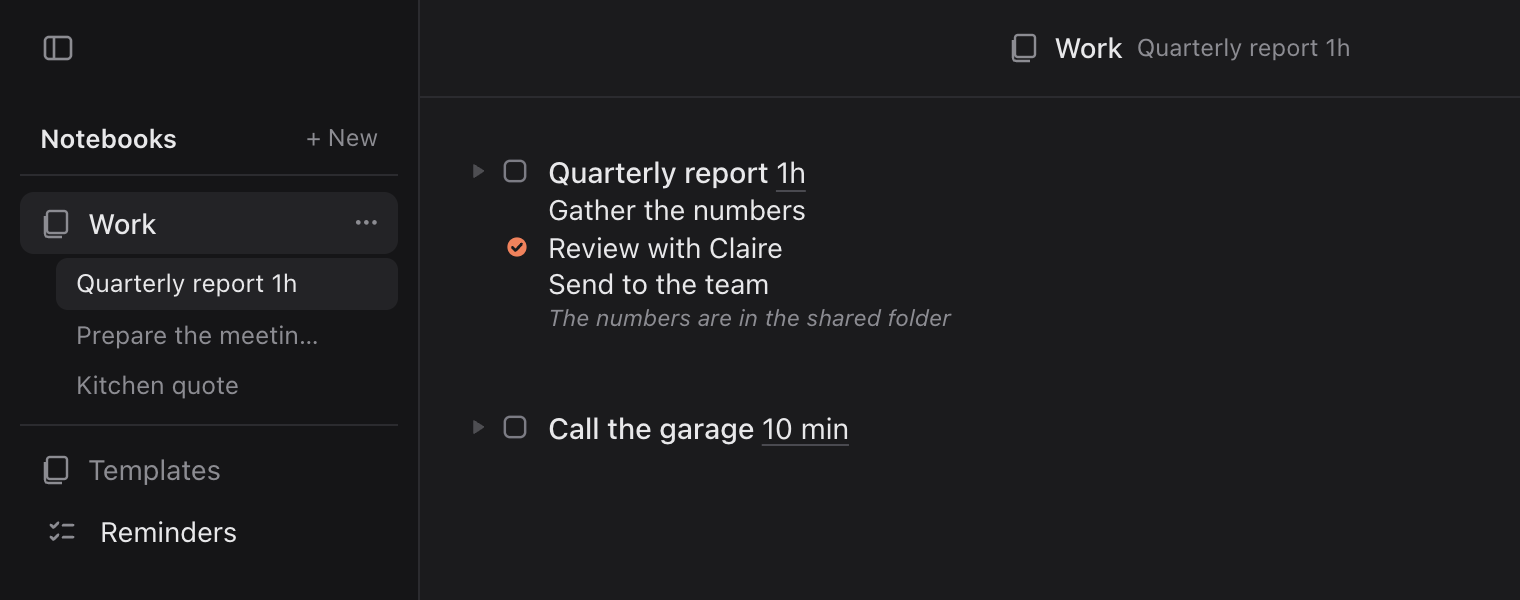
The screen stays bare. Behind it are eight things.
A page is a sheet. Write as long as there's room.
“+ Page” lays a fresh one on top. The old ones stay underneath.
There's no page of the day, and nothing moves on its own.
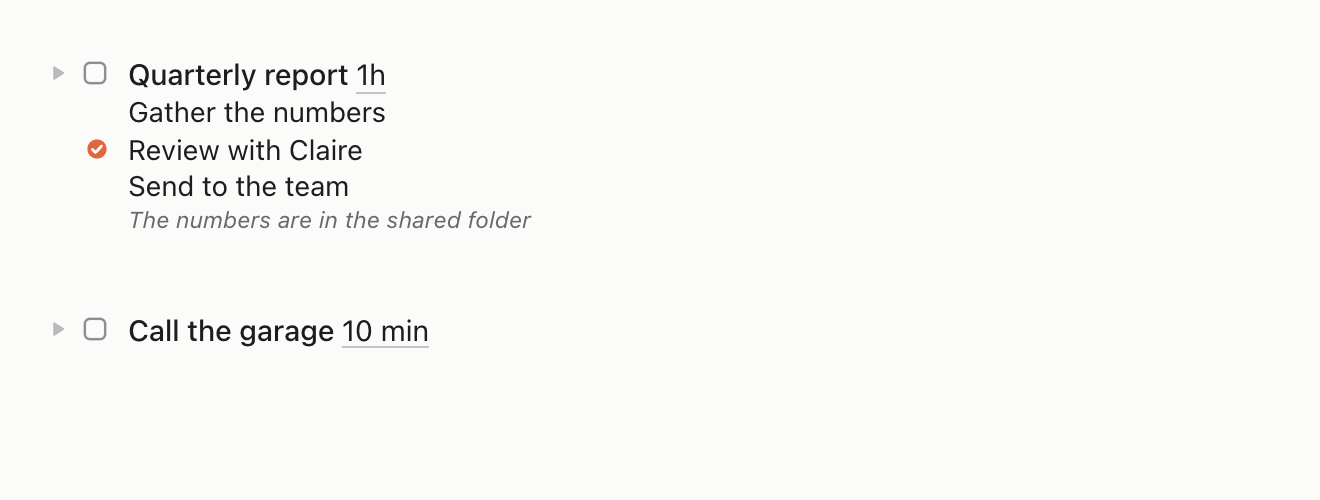
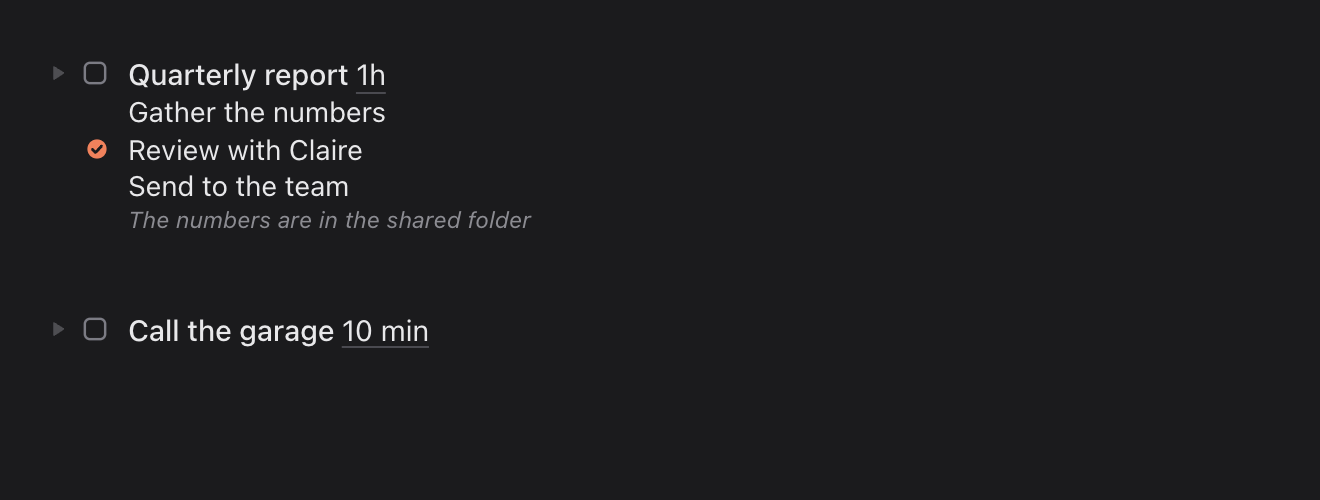
A block is a task with its steps indented below. A line starting with > is a caption.
Enter: one more step. Enter three times: a new block.
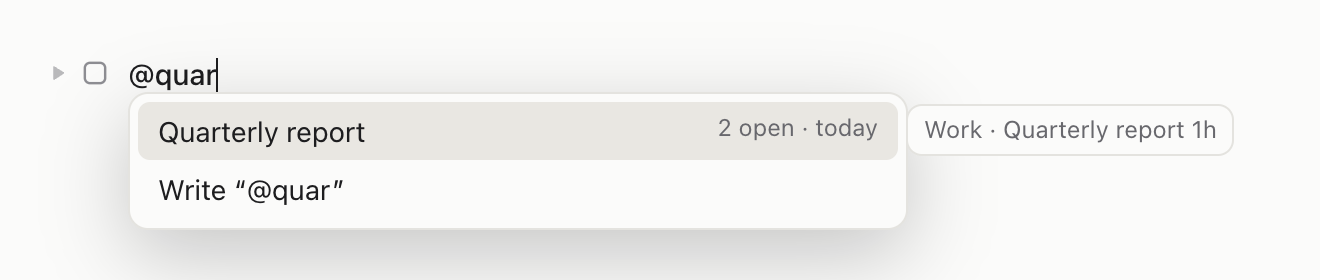
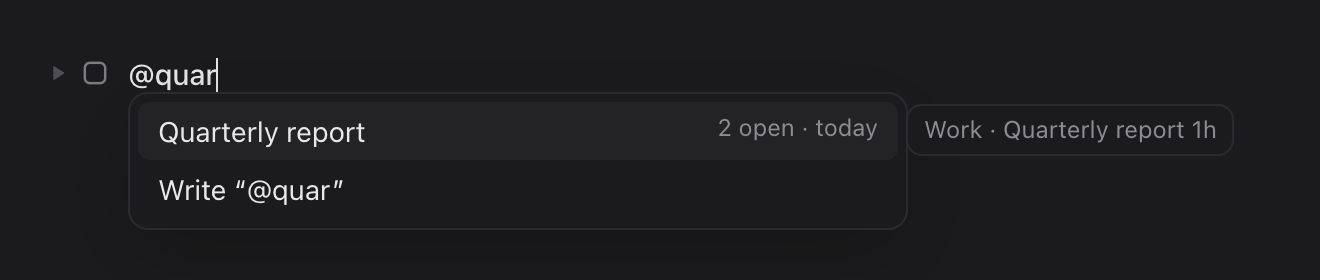
Type @ at the start of a line, then a few letters. Tasktak searches all your pages.
Pick the block. It comes back with its open steps, minus what's done.
On the old page, the steps picked up turn into [>].


Tap ▶ in the margin. Time runs and tells you what's left.
A duration in plain words, 45 min or 1h, becomes the estimate.
Every session stays in the log. You see where your time goes, without filling anything in.


Write !tomorrow 9am at the end of a line. When you leave the line, the task goes to Reminders.
The first ! turns Reminders on. The system asks for access, once.
Checked on your iPhone or Watch, it's checked here too.


The Templates notebook keeps your routines. A page there reads like an outline: bold title, bulleted steps. Nothing gets checked there.
On an empty page, type @ and pick a template. The page fills in.


It's off to begin with. Turn it on in Settings › AI, on your Mac.
Claude and the other AIs on this Mac read your pages and write in them like a keyboard. You see every change, and you can undo it.
It never deletes a page or a notebook, and doesn't touch your settings.
Settings › Your pages. Export everything as Markdown: one folder per notebook, one file per page.
Import a Tasktak export, or another app's Markdown and text files. They arrive as new notebooks: nothing is replaced.

