A list that doesn't keep growing
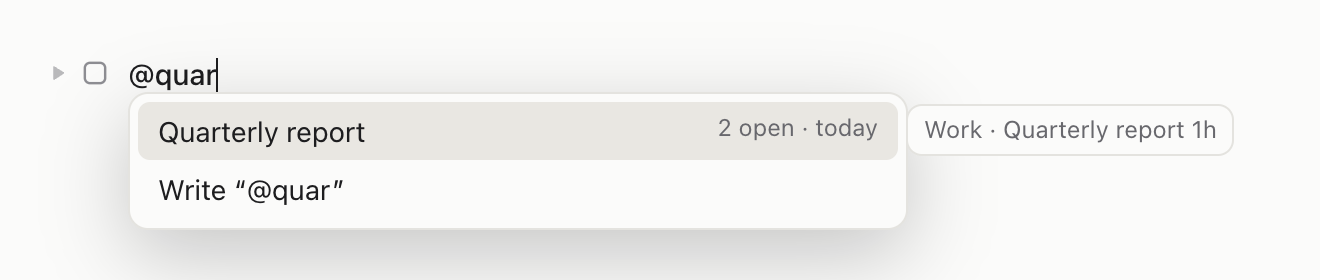
Take a fresh page every morning if you like. Type @rep: yesterday's report comes back with only the steps not done. The old page keeps a record of what's done.
Task notepadMac · iPhone · iPad
You've tried a few to-do apps. They work as long as you keep them up: file everything, date everything, review every week. One day you let go, and you're back to a sheet of paper. Tasktak is that sheet, with the time of each task added.
Get the launch email →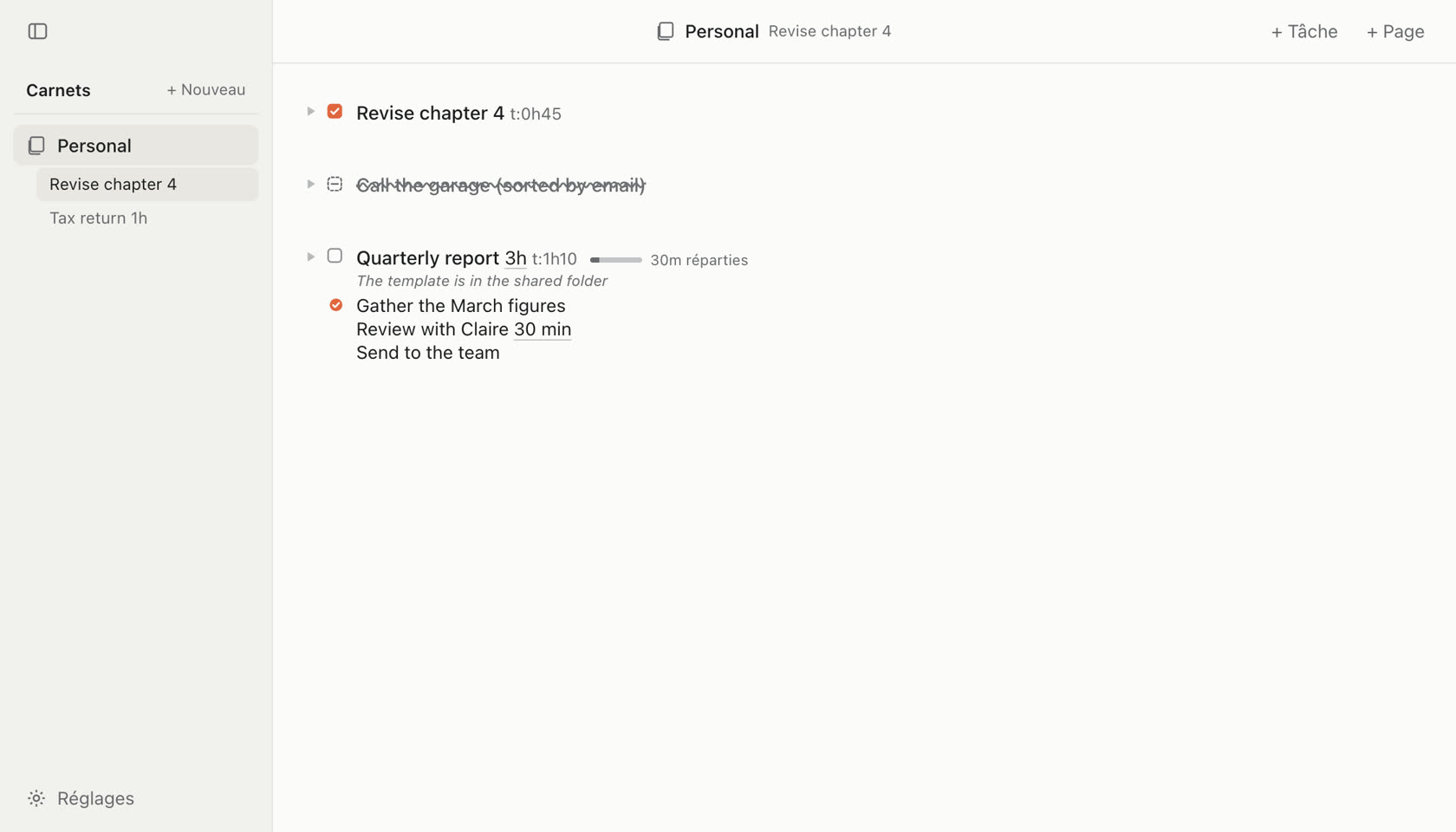
01Why Tasktak
To-do apps ask for discipline: capture in the right place, sort, date, review. The system only holds if you hold it. The day you let go, the list swells, the red piles up, and you stop opening it.
AI helps fill the system, but you still have to keep it. So many go back to a sheet of paper. Tasktak keeps that simplicity: one page, your tasks, nothing to maintain. It adds what paper can't: the time each task takes, and the unfinished steps that come back with @.
The page stays exactly as you left it.
02Time
Write the time the way you'd say it, at the end of a task: 45 min, 1h20, 2 hours 30 mins. The timer runs on the line and tells you what's left. When you stop it, the real time is written next to it, and the log keeps every session. You soon see what you estimate too short.
03What Tasktak does instead
Take a fresh page every morning if you like. Type @rep: yesterday's report comes back with only the steps not done. The old page keeps a record of what's done.
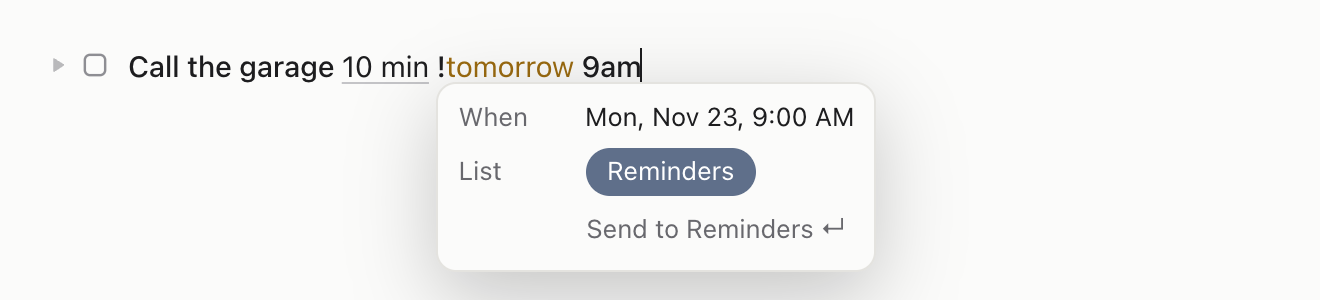
Write the date the way you'd say it, after a !: !tomorrow 3pm, !next friday at noon, !every day 7am. The line goes to Apple Reminders. Checked there, checked here.

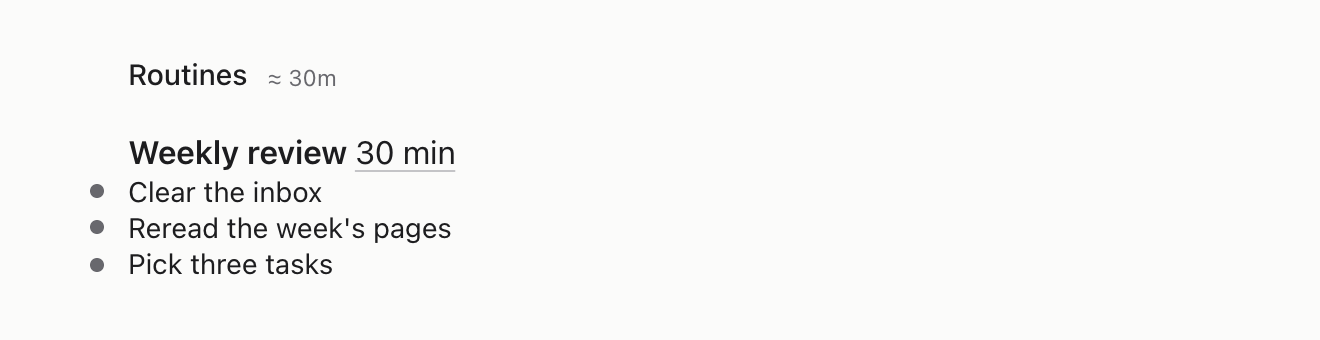
Keep a checklist in Templates: the Friday review, the weekend bag, the month-end close. Type @ and its name: a fresh copy arrives, every step to do.

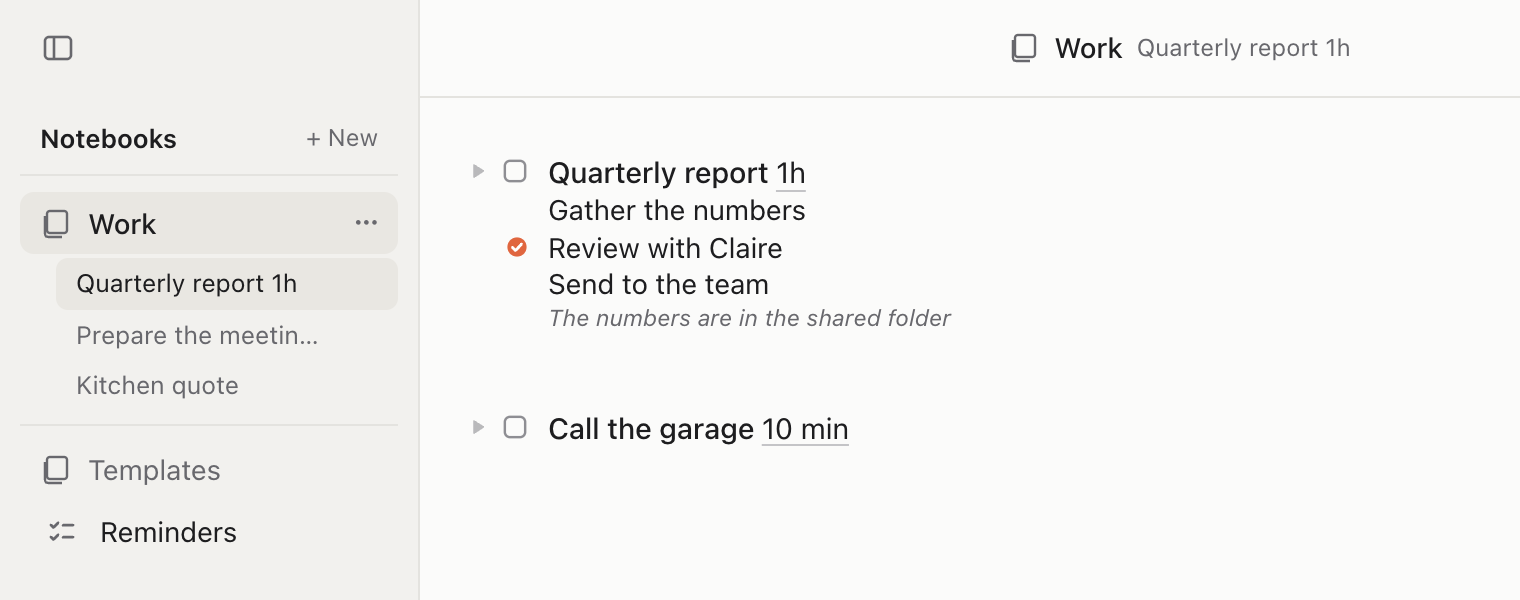
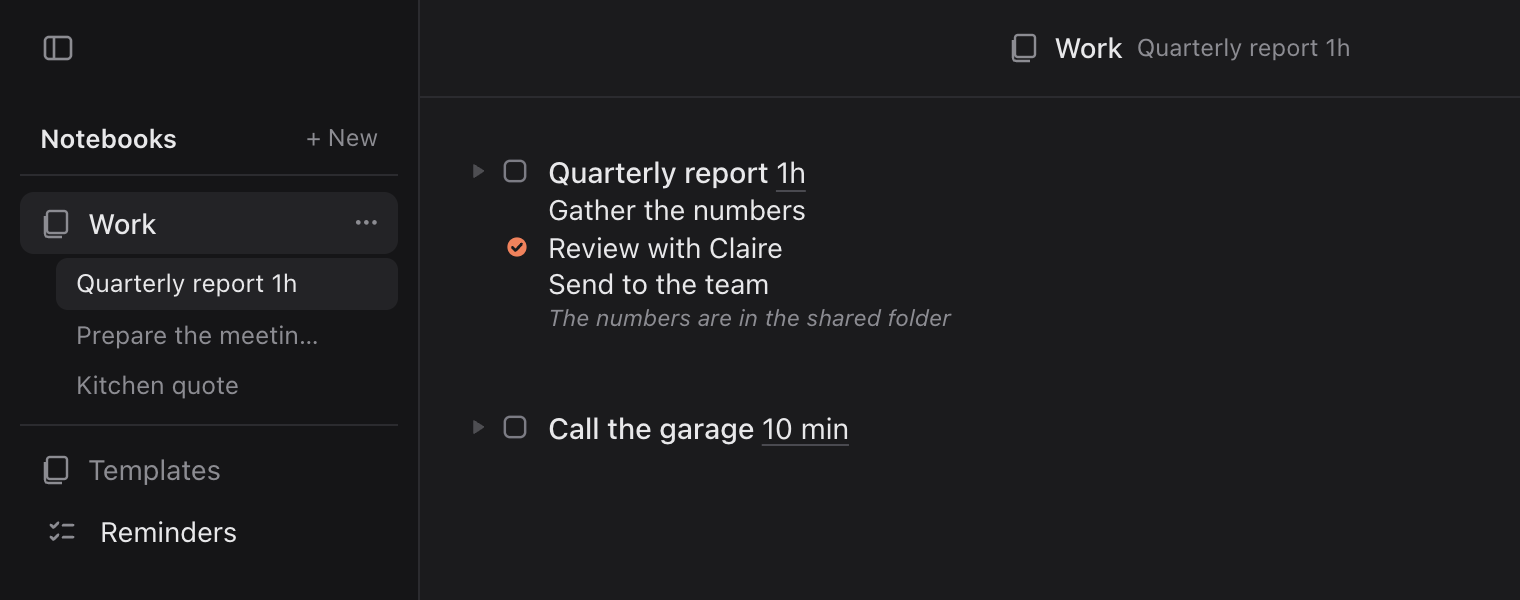
“+ Page” lays a fresh sheet on the others. Nothing is archived or carried over on its own: the history is the stack.
On iPad, draw with Apple Pencil: a floor plan, a diagram, a scribbled list. The sketch is attached to the task and a small badge opens it again. It follows the task when you pick it up with @, and the AI can read it.
Also: add a task from Shortcuts, export to Markdown, import your lists.
How it works, in detail →04AI, if you want it
Turn it on in Settings, on your Mac, and talk your day through with Claude or the AI of your choice. It reads your pages, your sketches and your time log, then writes in the page before your eyes.
Plan my day, I have 5 hours.
I put the report (1h), the quote (2h) and the review (45 min) at the top of a fresh page. That leaves you 1h15 to spare.
Do I underestimate my tasks?
This week, yes: 40% longer than planned, mostly on reports.
Break “Prepare the move” into steps.
Six steps added under the task, each with its estimate.
Bring over today's tasks from my other list.
I found four. They're at the top of a fresh page, each with an estimate.
Read the sketch on “Rearrange the living room”.
I read: sofa against the window, shelf on the left, one socket to fit. I made them three steps under the task.
05Pricing
Launch price
$19.99 $29.99 one time
After the trial, your pages stay readable and exportable: they're yours.
06In numbers
07Questions
Tasktak isn't a medical tool and promises nothing about ADHD. It's made for people lists wear out: there's nothing to sort, time stays in sight and nothing shows as overdue.
No. Keep it for capturing everything. Tasktak is the page where you do your day, with time in sight. With Reminders on, “@” brings in your Apple reminders too. And if your AI assistant can reach your other list, it can pick today's tasks from it and write them here.
No. It's off to begin with, and Tasktak works fully without it. If you turn it on (Settings › AI, on your Mac), what it reads goes through its provider, like anything else you give it.
In text files, in your iCloud Drive. Any app can open them. Tasktak has no account and no server, and everything works offline.
$19.99 at launch instead of $29.99, paid once: it's yours for life, no subscription. Try it free for 7 days first, everything unlocked.
Mac, iPhone and iPad, plus a web version. It works with Siri, Shortcuts and Apple Reminders.
No promised date. The roadmap says what already works.